
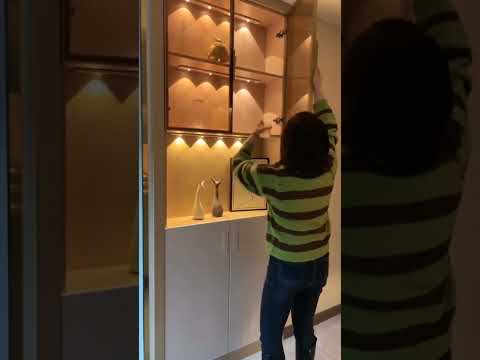
Clip 1/3
Helpful?
Step 6 · Test the System
Plug in the power supply. Walk past the motion sensor to confirm that the LED lights activate. Observe the sensitivity and range of the motion sensor, adjusting its position or settings if necessary. Test to see if the lights turn off after the programmed delay. Ensure all LEDs illuminate evenly and that there are no flickering or dead spots. Check all connections one last time.
Tools and Materials
TruePower Electrical Outlet Receptacle with 2-High Power USB Ports
You've reached the last step
Nice work — share this guide or find your next project.

Subscribe for exclusive updates
Be the first to know about promotions, new products, and sales.